Get good results
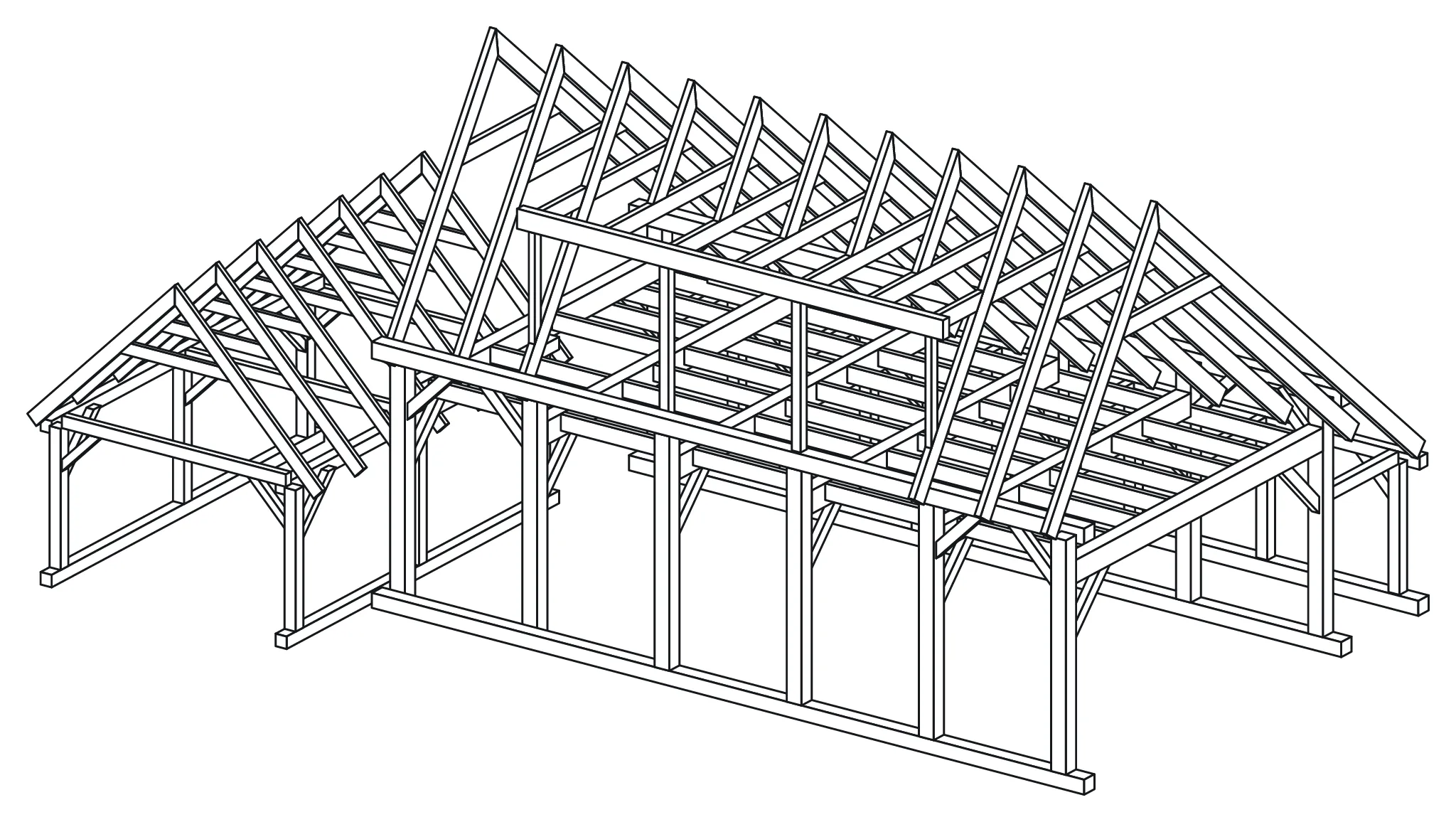
The assistant is as good as its brief. Give it the numbers you would give a draughtsman, and let it work in steps you can check.
Write the brief
Section titled “Write the brief”Put these in your first message:
- Size: footprint, heights, roof pitch. Say which sizes are fixed and which are free.
- Levels and spaces: floors, rooms, headroom you need.
- Timber: grades and sections if you know them, for example GL24h 200 × 200 posts and C24 joists.
- Structure you want: bents, a ridge beam, piles, braces.
- Out of scope: say what not to draw, such as cladding, glass and foundations. The engine only models the timber frame.
A short brief works too. The assistant then chooses sizes and tells you what it assumed. The design briefs show both kinds.
Work in stages
Section titled “Work in stages”- Ask for a plan first: “Tell me how you read this brief and which sizes you assume. Do not build yet.”
- Correct the plan, then ask it to build.
- Ask for one part of the frame at a time: floor, walls, roof.
- After each part, ask it to validate and show a drawing.
- At the end, ask for a report: sizes, parts, timber volume, what it changed to clear warnings, and what is not modelled.
Say that you want it to act. “Could you look at the roof” may get advice instead of a change; “Change the rafters to 80 × 220” gets the change.
Ask for the right drawings
Section titled “Ask for the right drawings”- Views: front, side, top, or a camera angle such as “from the south-west, slightly above”.
- Close-ups: “Show the joint where rafter 12 meets the plate.”
- Plans and sections: “Show only the timber below 2.5 m”, or “Cut a section across the second bay.”
- Parts of the model: “Show only the roof” or “Hide the stair.”
- Part drawings: “Draw part 07 with its machining.”
Read the warnings together
Section titled “Read the warnings together”The engine checks every change. The assistant’s goal is zero warnings, and many warnings come with a suggested repair.
- Ask the assistant to explain a repair before it applies it. A repair can move a member away from where you wanted it.
- If a warning cannot be cleared, ask for the choice: change the design, or keep the warning and fix it by hand in the app.
Know the limits
Section titled “Know the limits”- Members are straight. Curves become polygons or ruled surfaces.
- Parts are at most 13 m long by default. Longer members are split and need a joint.
- The engine does not cut birdsmouths or seats where a sloped rafter sits on a plate. It reports them as not modelled.
- Nothing is a structural check. Have an engineer check the frame.
- Machine files come from Export in the app, not from the assistant.